A customer has added products, checked delivery costs, and reached the final step. This is where WooCommerce payment gateway integration either turns demand into a paid order or creates one more abandoned cart. A payment setup is not a minor technical checkbox. It affects trust, cash flow, refund handling, accounting, support workload, and how confidently customers complete a purchase.
For a new store, the priority is usually getting paid quickly without creating problems later. For an established store, the issue is often different: failed payments, confusing checkout fields, orders stuck on hold, or a payment provider that no longer fits the business. The right answer depends on where you sell, what you sell, how customers pay, and how much operational control you need.
What WooCommerce Payment Gateway Integration Actually Covers
A payment gateway connects your WooCommerce checkout to a provider that authorizes and processes card payments, digital wallets, bank transfers, or local payment methods. Once a customer pays, the provider sends a response back to the store so WooCommerce can update the order status and trigger the next step, such as fulfillment, stock reduction, invoice creation, or an order confirmation email.
The visible part is simple: a payment option appears at checkout. Behind it, a properly configured integration has several moving parts. It needs secure API credentials, correctly configured webhooks, currency settings, tax and shipping totals that match the provider’s charge, and a reliable response when a payment is approved, declined, canceled, or disputed.
If one of those pieces is missing, the store can create unnecessary manual work. A business owner may have to compare bank transactions against pending orders, chase customers after failed payment attempts, or correct stock levels after payment status errors. That is not a payment system. It is a daily reconciliation problem.

Start With the Customer, Not the Plugin
It is tempting to choose a gateway because it has a recognizable name or a low published transaction fee. Fees matter, but they are only one part of the decision. The best gateway is the one that gives your intended customers a familiar, credible way to pay while fitting your business model and operations.
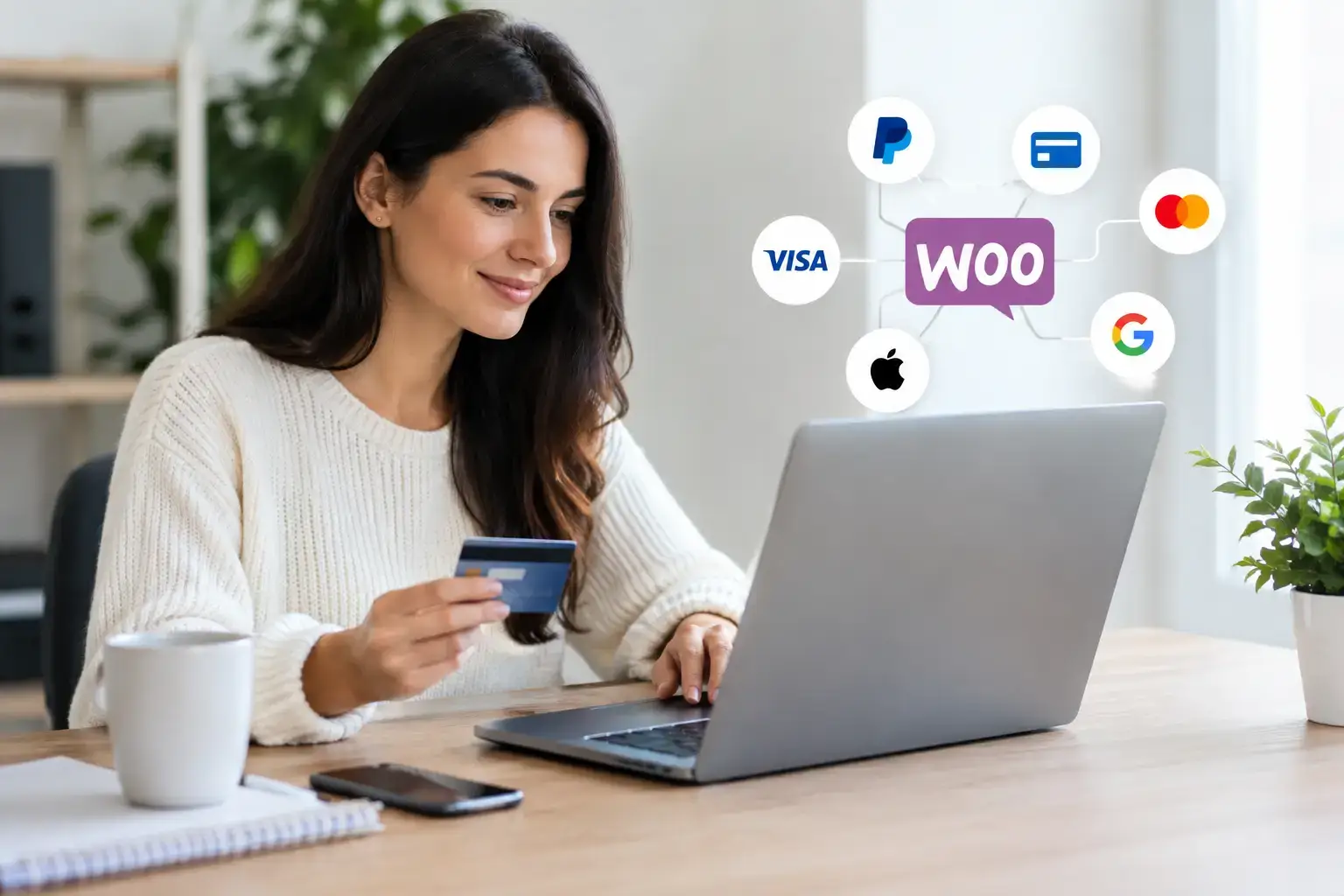
A store selling to US consumers may need cards, Apple Pay, Google Pay, and PayPal. A merchant selling across the European Union may also need support for Strong Customer Authentication, local debit methods, multiple currencies, and VAT-friendly order records. A B2B supplier could place more value on bank transfer instructions, payment terms, or invoice-based workflows than on express wallet buttons.
Ask practical questions before selecting a provider. Where is your legal business entity registered? Which countries will you sell to? What currency will customers see at checkout? Do you sell physical goods, subscriptions, bookings, digital downloads, or high-value custom orders? Will you need partial refunds, recurring charges, pre-orders, or deposits?
Those answers narrow the field quickly. A gateway that works well for one-time retail orders may be unsuitable for subscriptions. A provider with excellent card acceptance may be less useful if it cannot settle funds in your operating currency or support the markets that generate most of your revenue.
Choose Payment Methods Without Overloading Checkout
More payment methods can increase conversion, but only when they are relevant. Adding every available option can make checkout look cluttered and create extra testing, support, and reconciliation work. A focused setup usually performs better.
For many stores, cards and one trusted digital wallet form a strong starting point. Add PayPal when your audience expects it or when it provides useful buyer confidence. Add bank transfer or cash on delivery only if those methods fit your fulfillment process and you have a clear approach for unpaid or canceled orders.
Local payment methods deserve serious consideration when entering a specific market. Customers often trust methods they already use with other retailers, and familiarity can reduce hesitation at checkout. However, every additional method should be tested from payment through refund and order fulfillment. If a payment option creates frequent exceptions, its conversion benefit can disappear in administrative cost.
The Technical Details That Protect Revenue
A gateway installation should never stop at activating a plugin and pasting in API keys. The integration needs a controlled configuration and real transaction testing before it goes live.
First, use the provider’s test mode to run successful and failed payment scenarios. Confirm that WooCommerce creates the correct order status after each result. A paid order should move into the status your fulfillment team expects. A canceled or failed transaction should not reserve stock indefinitely or trigger a misleading customer email. WooCommerce’s hold stock setting helps here: it cancels unpaid orders after the number of minutes you choose and releases their stock.
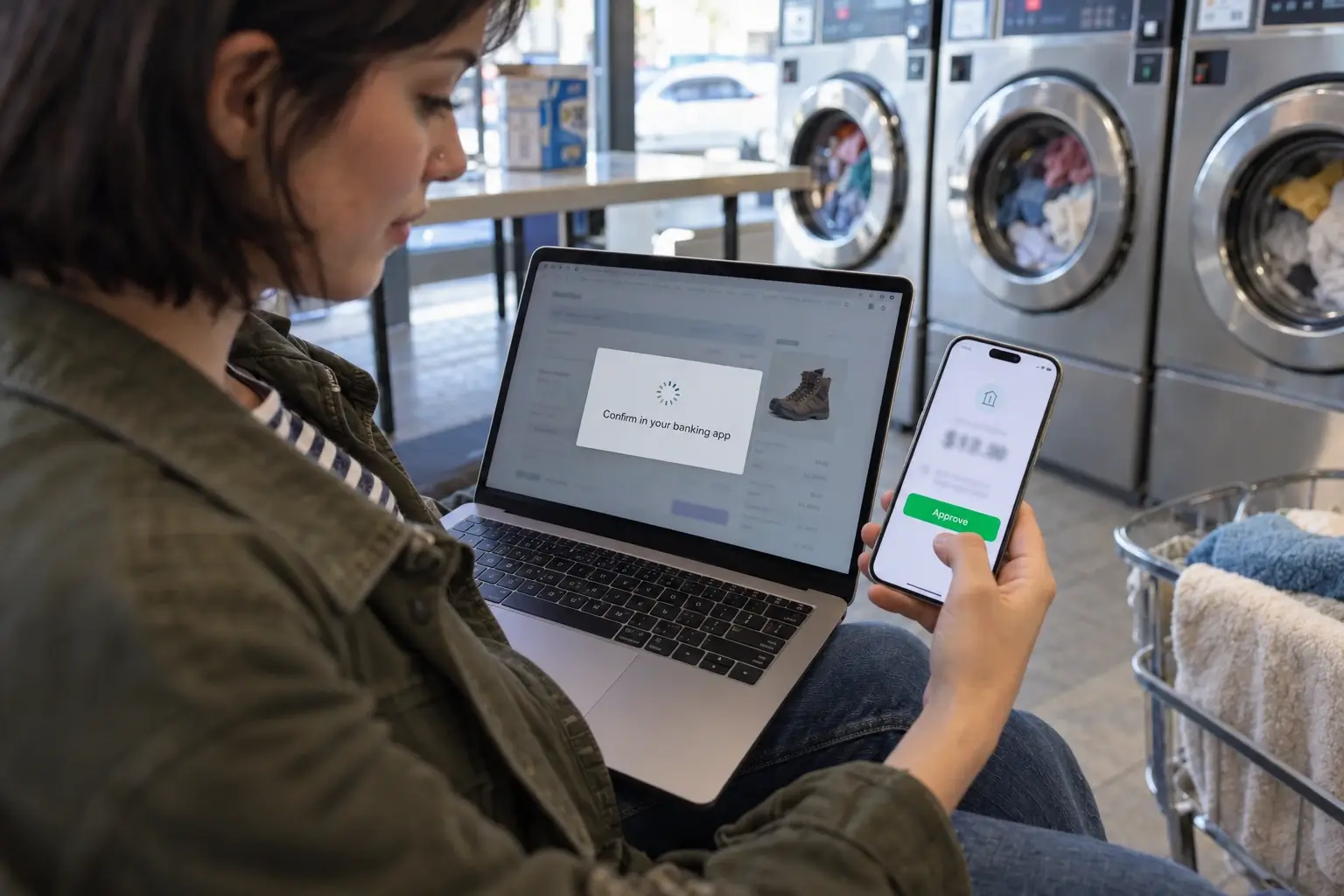
Next, configure webhooks. A webhook is the provider’s server-to-server notification that confirms a payment event. Customers can close a browser window before returning to the thank-you page, lose their connection, or complete an authentication challenge in a separate banking app. Webhooks help the store receive the final payment result even when the browser journey is interrupted.
The store also needs HTTPS across all pages, not only checkout. Keep WordPress, WooCommerce, gateway extensions, themes, and server software updated. Use strong administrator access controls and limit who can change payment settings. A gateway account is a revenue-critical system, so its credentials should not be passed around casually or stored in unprotected documents.
For stores that process recurring payments, saved cards, or large order volumes, tokenization and provider-managed card storage are especially valuable. They reduce the amount of sensitive payment data handled directly by the store and make future payments more convenient for returning customers.
Build the Checkout Around Fewer Obstacles
Payment approval is only part of conversion. Customers can still leave if checkout is slow, confusing, or full of unnecessary fields. The payment experience should feel like a direct continuation of the product page, not a separate system with unexpected steps.
Start by removing fields you do not need. If a business sells digital products, asking for a full shipping address creates friction without helping fulfillment. If shipping estimates depend on location, explain why the information is required. Clear labels, visible delivery costs, and a short path to payment do more for trust than decorative checkout design.
Express wallets can help on mobile because they reduce typing. But placement matters. If wallet buttons appear before customers can review delivery options, discounts, or order details, they can create confusion. Test the complete journey on mobile devices, not just a desktop browser.
Speed also matters. Heavy plugins, unoptimized images, slow hosting, or external scripts can delay the point where payment fields load. A customer who waits at checkout is already close to leaving. Performance work should prioritize the pages that produce revenue: product pages, cart, checkout, and order confirmation.
Plan for Refunds, Failed Payments, and Disputes
A payment gateway is judged most clearly when something goes wrong. Before launch, decide who handles refunds, how quickly customers receive updates, and where staff can confirm the refund status. Refunds initiated from WooCommerce should be checked against the provider dashboard to make sure the transaction was actually submitted. WooCommerce can only send a refund through the gateway automatically when the gateway supports it. A manual refund updates the order but sends no money back, so the customer still has to be refunded in the provider’s dashboard.
Failed payments need a customer-friendly response. Do not expose technical error codes or imply that a customer has done something wrong. Give a simple message, preserve the cart, and offer another payment method where appropriate. Internally, record enough detail to identify patterns, such as repeated failures from a particular device, payment method, or country.
Disputes and chargebacks require a different process. Keep clear order records, delivery confirmation, customer communications, and refund policies. These records will not prevent every dispute, but they give the business evidence when a payment is challenged. For high-risk products or high-value orders, consider additional fraud checks and manual review rules rather than relying on automatic approval alone.
When a Standard Plugin Is Not Enough
A standard gateway extension is usually the right starting point for a straightforward store. It is faster to deploy, easier to maintain, and often supported by the payment provider. Custom development becomes worthwhile when the business has a specific workflow that a standard plugin cannot support.
Examples include sending payment data to an ERP, issuing invoices through an accounting platform after confirmed payment, splitting payments between vendors, applying deposit rules, or routing orders based on payment method and warehouse availability. These requirements should be scoped carefully because payment logic touches orders, inventory, taxes, customer notifications, and financial reporting.
This is where a structured implementation partner can prevent expensive shortcuts. The King Web approaches WooCommerce payment gateway integration as part of the wider store operation, checking checkout behavior, performance, order statuses, security, and the systems that receive the order after payment. In our WooCommerce store development work, that means configuring the bank authentication step and webhook order updates, then testing declined cards and refunds before launch.
A Practical Launch Checklist
Before accepting live orders, confirm that your payment gateway account is verified and able to receive settlements. Make sure the store currency, business details, refund policy, tax settings, and checkout totals match what customers see on the provider’s payment screen.
Run test purchases for each active method, including a declined transaction and a refund. Check confirmation emails, inventory changes, order notes, provider dashboard records, and any accounting or fulfillment connections. Then complete the same test on a mobile device using a normal customer account.
Finally, assign ownership. Someone should know who reviews failed payments, who processes refunds, who receives fraud alerts, and who can safely update credentials when needed. A well-built checkout should make payment feel effortless for customers while giving your team clear control once the order is placed.
The best payment setup is not the one with the most logos at checkout. It is the one that customers trust, your team can operate without guesswork, and your store can grow without turning every paid order into a manual task.