
A WooCommerce checkout optimization service is not about making a button a different color and hoping sales improve. It is a focused review of the point where interested shoppers either complete an order or leave money on the table. If your store gets traffic, adds products to carts, and still produces too few completed purchases, checkout is one of the first places to investigate.
For a growing store, even a modest improvement in checkout completion can matter more than another round of advertising. You have already paid to earn the visit. The practical question is whether your store gives customers enough confidence, speed, and payment choice to finish the purchase without second-guessing it.
What a WooCommerce Checkout Optimization Service Fixes
Checkout abandonment rarely has one dramatic cause. More often, it is a stack of small operational problems: a slow mobile page, unexpected shipping costs, a payment method that fails, too many required fields, unclear error messages, or a coupon box that encourages shoppers to leave and search for a discount.
A proper optimization service starts with evidence, not assumptions. That means reviewing the current checkout path on desktop and mobile, testing real payment flows, checking page speed under normal traffic, and examining analytics for the points where buyers drop off. Cart abandonment can happen before checkout. Checkout abandonment may happen after shipping is shown, during account creation, or at payment authorization. Those are different problems and need different fixes.
The work should also consider your specific business model. A local retailer with cash-on-delivery options has different requirements from a cross-border EU store selling digital products. Subscription stores need reliable recurring-payment handling. B2B stores may need VAT fields, purchase-order workflows, or company account information. Removing every field is not automatically the right answer if your fulfillment or accounting process depends on that data.
Start With the Checkout Path, Not a Plugin List
WooCommerce is flexible, which is useful until a store accumulates theme overrides, payment extensions, shipping rules, popups, tracking scripts, and plugins that all touch the same customer journey. A new checkout plugin can occasionally help, but installing more software before diagnosing the problem often creates slower pages and harder maintenance.
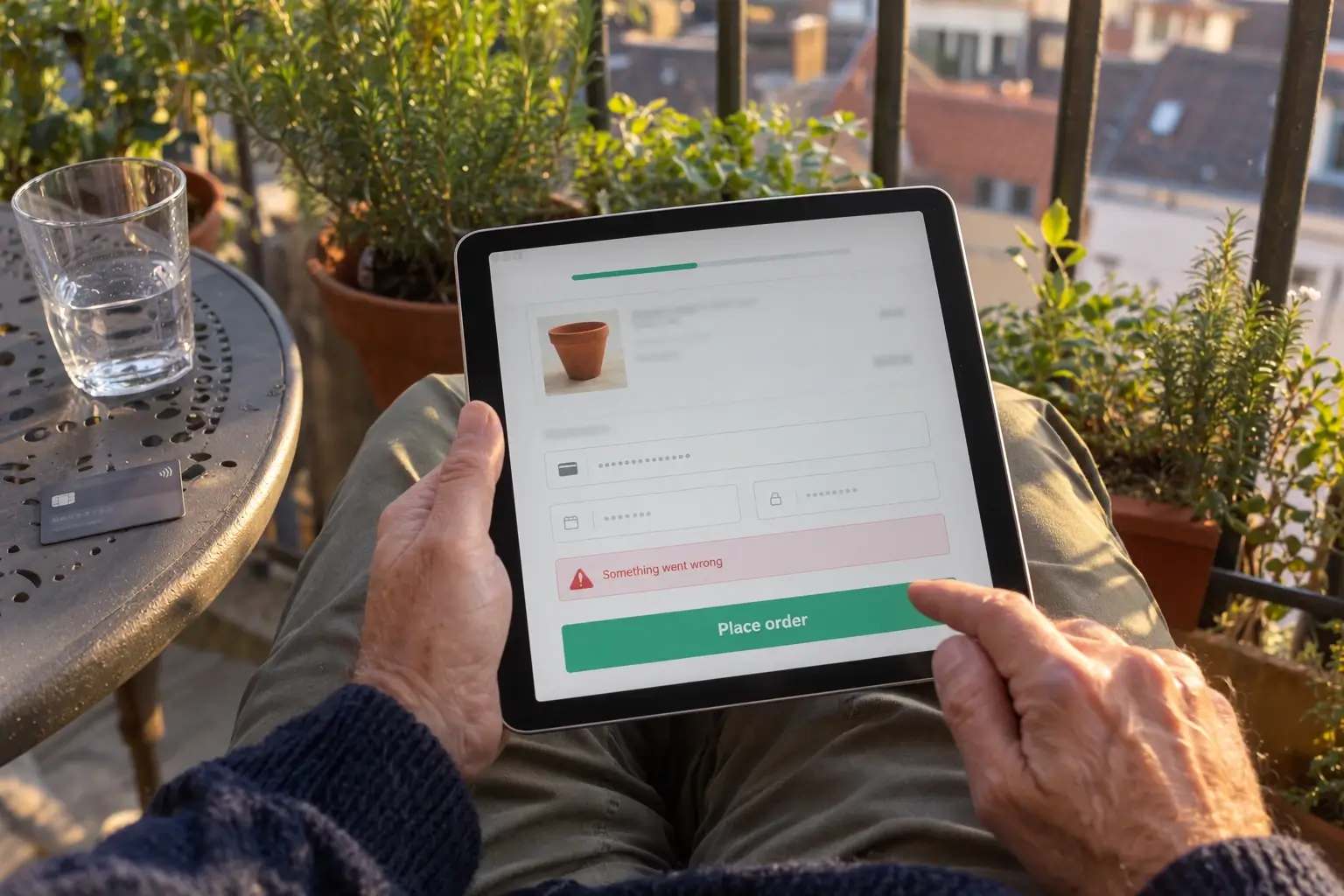
The first stage is a technical and conversion audit. It checks which checkout template is active, whether extensions are loading unnecessary scripts, how the checkout behaves across browsers, and whether performance issues come from the server, database, theme, or third-party requests. It should also review error logs and failed payment events. A customer who sees a generic error after submitting a card form is unlikely to try again.
This review creates a prioritized scope. Some stores need a small set of field and layout changes. Others need payment gateway configuration, caching exclusions, database cleanup, custom checkout logic, or an API connection to shipping software. Clear scope matters because a checkout project should solve measurable bottlenecks, not become an open-ended redesign.
The Changes That Usually Produce Results
The strongest improvements reduce effort and uncertainty at the moment of purchase. Mobile deserves special attention because customers are less patient when they are typing card details on a small screen with an unreliable connection.
Reduce unnecessary form work
Ask only for information needed to take payment, deliver the order, and meet legal requirements. Use address autocomplete where it makes commercial sense, keep labels clear, and validate fields while the customer is completing them rather than after they submit the form. If account creation is useful, present it as an optional benefit instead of a barrier to buying.
Guest checkout is usually the right default for consumer stores. It can be less suitable when your model depends on approved trade accounts, member pricing, or restricted products. In those cases, the goal is still to make account access predictable and explain why sign-in is required.
Make shipping and total cost clear
Unexpected charges destroy trust quickly. Show delivery options, estimated timing, taxes, and relevant fees as early as possible. If a shipping rate depends on location, explain that before the customer reaches the final payment step.
For stores selling across countries, currency presentation, VAT handling, and delivery availability need careful testing. A checkout that looks correct for one market may create confusion for another. The correct implementation depends on where you sell, what you ship, and the rules your business must follow.
Offer payment methods customers recognize
Payment choice is a conversion feature, but only when the methods work reliably. Cards, digital wallets, bank-based options, cash on delivery, and local methods can all be appropriate depending on your customers and markets. The objective is not to display every possible option. It is to support the methods your buyers expect and keep the payment step fast.
Gateway configuration should include test transactions, refund checks, order-status verification, and confirmation-email testing. A successful payment that fails to create a usable order in WooCommerce creates an operational problem even if the checkout conversion rate appears healthy.
Improve speed without breaking checkout
Checkout pages should not be cached like ordinary content pages. Customers need accurate carts, shipping calculations, nonces, and payment sessions. At the same time, the assets that support the page can often be optimized through better hosting configuration, a content delivery network, image control, script management, database maintenance, and object caching such as Redis.
This is why performance work needs WooCommerce knowledge. Aggressive caching or JavaScript delay settings can make a score look better while breaking cart updates, payment buttons, or address calculations. A useful optimization process tests commercial function after every significant performance change.
Measurement Makes the Service Accountable
A checkout optimization project should define what success looks like before development starts. Depending on the store’s data quality and sales volume, that may include checkout completion rate, cart-to-order rate, mobile conversion rate, payment failure rate, average checkout load time, or revenue per visitor.
Do not judge results from a handful of orders. Traffic source, promotions, product availability, seasonality, and price changes all affect conversion. The practical approach is to establish a baseline, implement the highest-confidence improvements, and compare performance over a meaningful period.
Tracking must also be accurate. If analytics events are duplicated or the order confirmation page fires inconsistently, reported revenue and conversion data become unreliable. A service may include reviewing ecommerce tracking, consent behavior, and server-side or client-side event implementation so the business can make decisions using credible numbers.
When Custom Checkout Work Is Worth It
Standard WooCommerce checkout can serve many stores well. Custom development becomes worthwhile when the purchase process has requirements that standard settings cannot handle cleanly. Examples include conditional fields based on product type, custom delivery scheduling, B2B VAT validation, deposits, bundled services, marketplace integrations, or direct order data transfer to an ERP or fulfillment system.
Custom work should be used selectively. Every special rule adds testing and future maintenance. The best solution is often the simplest one that supports the real workflow, keeps upgrades manageable, and removes manual admin work after the order is placed.
For established stores, optimization also needs a safe deployment process. Changes should be tested in a staging environment where possible, backed up before release, and checked after launch with real test orders. That includes successful payments, failed-payment handling, inventory updates, transactional emails, tax calculations, and order data reaching connected systems.

What to Expect From a Well-Scoped Project
A dependable service gives you a visible plan: what will be audited, which problems are being fixed, what integrations are affected, how testing will happen, and what the delivery timeline covers. It should distinguish between quick configuration improvements and larger custom features that require separate scope.
The King Web approaches checkout work as part of the sales operation, not an isolated design task. The goal is to make it easier for customers to buy while keeping payments, orders, fulfillment, and reporting dependable for the team running the store.
Your checkout does not need to be flashy. It needs to load quickly, explain costs clearly, accept payment reliably, and hand each confirmed order to your business without creating more manual work. That is where a focused optimization project earns its value.