
A customer has compared products, accepted the price, added an item to the cart, and clicked Checkout. At that point, losing the order is rarely a demand problem. It is an execution problem. Why do checkout forms fail at the most valuable moment in the buying journey? Usually because the store asks for too much, communicates too little, or breaks under conditions the owner has not tested.
For a WooCommerce store, checkout is not just a form. It is the point where product data, shipping rules, tax logic, payment gateways, customer accounts, email delivery, performance, and security all meet. A small issue in any one of those systems can turn paid traffic into an abandoned cart.
Why Do Checkout Forms Fail for Ready-to-Buy Customers?
Customers do not judge a checkout form like developers do. They do not care whether a field comes from a plugin, a theme, or a custom integration. They simply decide whether the process feels safe, fast, and reasonable.
The most common failure is friction that appears unnecessary. A shopper who only wants a delivery address should not need to create an account, enter the same information twice, or decipher an error message after pressing Place Order. Every extra decision creates a chance to leave.
There is also a trust problem. Checkout is where buyers hand over personal and payment information. If the page looks inconsistent with the rest of the store, loads slowly, redirects without explanation, or presents unfamiliar payment behavior, confidence drops quickly. This is especially damaging for new stores that have not yet built strong brand recognition.
Technical failures compound the problem. A payment can succeed with the provider while the order stays on Pending payment in the store, because the gateway’s webhooks were never set up. Shipping calculations may fail for a specific postal code. A caching rule may serve stale cart data. A JavaScript conflict may prevent the final button from working on mobile browsers. These issues can remain invisible until real customers encounter them.
1. The Form Asks for Information You Do Not Need
Long checkout forms increase completion effort. A business might collect a company name, apartment details, marketing consent, account password, delivery notes, and multiple phone fields because those fields seem useful. But each field has a cost. Baymard Institute’s checkout research puts the average US checkout at 23.48 form elements shown by default, while its usability testing shows an ideal checkout flow can be as short as 12 to 14.
Start with what is required to fulfill and support the order. For many physical-product stores, that means name, email, phone number when needed for delivery, shipping address, and payment details. If billing and shipping addresses are usually the same, make that the default and let customers change it only when necessary.
Do not remove data fields blindly. B2B stores may genuinely need VAT details, company names, purchase order references, or delivery instructions. The practical approach is to show these fields only when the customer selects a business purchase, a particular shipping method, or a relevant country.
2. Forced Account Creation Stops Guest Buyers
Mandatory registration is one of the easiest ways to turn a simple purchase into a commitment. In Baymard’s survey of US online shoppers, 18% said they had abandoned an order because the site wanted them to create an account. Some customers want an account for order history and faster future checkout. Others are buying a gift, testing a new store, or making a one-time purchase. They should not have to invent and remember a password just to pay.

Offer guest checkout by default, then give customers a clear option to create an account after the order is confirmed. This preserves the sale while still allowing account growth. If account creation is important to your operation, explain the benefit plainly: easier returns, order tracking, saved addresses, or access to subscription management.
In WooCommerce, guest checkout is a single setting under WooCommerce > Settings > Accounts & Privacy, and WooCommerce marks it as recommended. The same screen offers account creation after checkout, but only when the store uses a block theme and WooCommerce’s block-based checkout.
3. Payment Errors Are Vague or Misleading
“Payment failed” is not a useful message. It leaves the customer wondering whether their card was declined, the store is broken, or their money has been taken anyway. Many shoppers will not try again.
A checkout should distinguish between a payment rejection, a validation error, a temporary gateway issue, and a required authentication step. The message should appear near the action that needs attention and explain the next move in plain language. For example, ask the customer to check card details, try another payment method, or contact their bank if authentication did not complete.
Behind the scenes, test the full payment flow rather than stopping at a gateway connection screen. Confirm successful payments, failed payments, canceled payments, refunds, 3D Secure authentication, order status updates, customer emails, and webhook delivery. A gateway can appear connected while still failing to update WooCommerce orders correctly.
4. Mobile Checkout Is Treated Like a Smaller Desktop Page
A large share of e-commerce browsing and purchasing happens on phones. Yet many checkout forms still use cramped fields, tiny labels, keyboard-unfriendly inputs, and payment buttons that sit below a long page of distractions.
Mobile checkout should reduce typing wherever possible. Use the correct field type for email, telephone, and postal code so the right keyboard appears. Enable address autocomplete where appropriate. Keep labels visible rather than relying only on placeholder text, which disappears as soon as the customer starts typing. Google’s payment and address form best practices cover each of these in detail.
Test the checkout on real devices, not only in a desktop browser window. Test on a slower mobile connection, with one hand, with autofill enabled, and with popular mobile payment options. The question is not whether the page technically fits on a phone. The question is whether someone can complete it quickly without correcting avoidable mistakes.
5. Shipping Costs Arrive Too Late
Unexpected delivery costs are a common reason for cart abandonment. In the same Baymard survey, extra costs such as shipping, taxes and fees were the top reason shoppers gave, at 40%, and 12% said they could not see or calculate the total order cost up front. The form may work perfectly, but customers still leave if the final amount changes after they have entered their details.

Show shipping expectations before the final payment step whenever possible. If rates depend on location, provide an early estimator or explain the threshold for free shipping. If certain products have special handling, oversized delivery, or regional restrictions, make that visible on the product page and in the cart.
The technical setup matters here. WooCommerce shipping zones, classes, tax settings, and third-party courier integrations need to match your actual fulfillment rules. A rate that looks correct for one city may fail in another country, or a free-shipping rule may accidentally apply to an excluded product category.
6. The Store Gives Buyers No Reason to Trust the Page
Trust is built through details. A checkout that switches to a different visual style, has broken icons, contains spelling errors, or uses generic payment language can feel unsafe even when the underlying payment processor is legitimate.
Keep the checkout aligned with your storefront. Use a recognizable logo, clear order totals, accurate product thumbnails, visible contact details, and straightforward policies for delivery, returns, and privacy. Avoid filling the page with excessive badges and pop-ups. A few credible signals work better than a wall of claims.
For higher-value purchases, customers may need more reassurance than a basic card form provides. Clear support availability, estimated delivery timing, accepted payment methods, and an understandable returns process can do more for conversion than another promotional banner.
7. Performance Problems Hit at the Worst Moment
Checkout pages are dynamic. They recalculate taxes, shipping, discounts, and totals while communicating with payment systems. Aggressive caching, too many scripts, heavy page builders, and poorly configured plugins can make those actions feel slow or unreliable.
A delay of a few seconds after a customer clicks Place Order creates anxiety. Some will click again, causing duplicate attempts. Others will refresh, abandon the page, or assume the order did not go through.
Performance work should focus on the complete transaction path: cart updates, checkout load time, payment authorization, confirmation page delivery, and transactional email. Exclude the cart, checkout, and account pages from page caching, as WooCommerce’s caching guide advises. Review third-party scripts, optimize assets for Core Web Vitals, and monitor server resources during high-traffic periods. A fast product page does not guarantee a fast checkout.
8. Discounts and Validation Rules Create Dead Ends
Coupon fields can be useful, but they can also distract buyers who leave the page to search for a code. More serious are broken promotions: a banner promises 10% off, the code does not apply, and the customer receives no explanation.
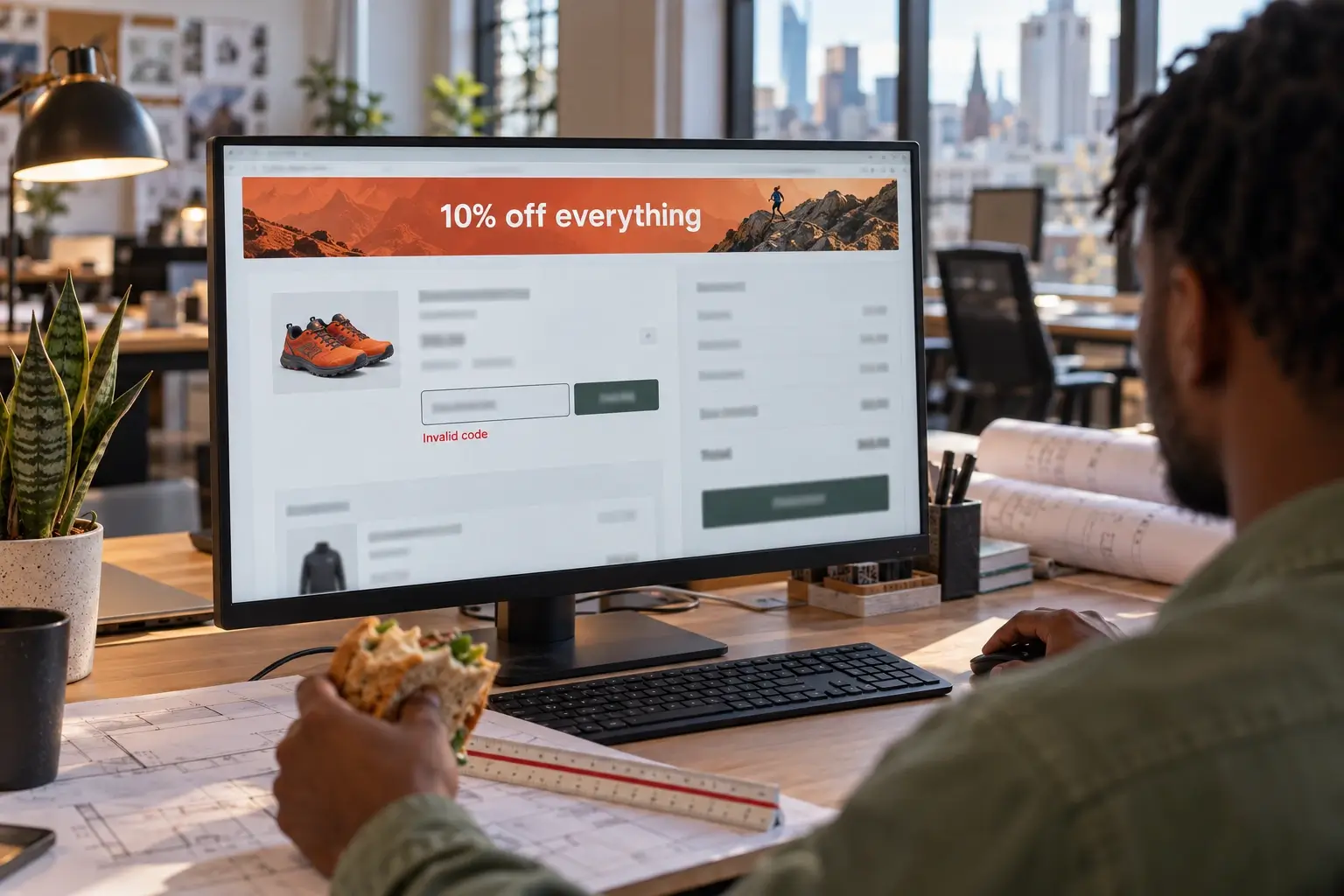
The same applies to validation. If a field rejects a phone number format, a ZIP code, or a VAT number, the message must identify the exact issue. Do not clear the entire form after an error. Preserve entered information and guide the customer to the field that needs correction.
Before running campaigns, test discount rules with sale items, minimum spend thresholds, guest checkout, different currencies, and each intended shipping region. Promotions create traffic spikes, which is the worst time to discover a checkout conflict.
9. Nobody Owns Checkout Testing
Many stores test checkout only at launch, then add plugins, shipping rules, payment methods, and design updates over time. Eventually, the transaction path becomes a collection of assumptions.
Assign ownership for a recurring checkout review. It does not need to be complicated, but it should cover the core paths:
- Guest and returning-customer purchases
- Desktop and mobile devices
- Each active payment method
- Key shipping regions and tax scenarios
- Coupon, refund, and failed-payment behavior
- Order emails and back-office status updates
Use analytics alongside manual testing. Look for exits between cart and checkout, payment-method drop-offs, repeated form errors, unusual order-status patterns, and support tickets that mention payment or delivery. Analytics can show where people leave; testing explains why.
Keep the Path to Payment Clear
Why do checkout forms fail on your store? Rarely for one reason. It is usually a stack of small problems from the list above, so fix the ones that cost you the most orders first, then test again. If you would rather have the whole path reviewed, see what a WooCommerce checkout optimization project covers.
A conversion-focused WooCommerce build should treat checkout as operational infrastructure, not a final design screen. The right form changes as your catalog, markets, fulfillment process, and customer expectations change. Fixing it is not about adding more fields or more plugins. It is about making the path to payment clear enough that ready-to-buy customers have no reason to stop.