A customer has already done the expensive part: they found your store, browsed a product, and added it to the cart. When they leave before paying, the problem is rarely a lack of interest. To reduce cart abandonment, remove the friction that appears between “I want this” and “order confirmed.”
For a WooCommerce store, that friction can be surprisingly practical: shipping costs shown too late, a checkout that takes too long on mobile, a payment method customers do not recognize, or a required account they never wanted to create. Fixing these issues is not about adding more sales tactics. It is about making the purchase feel clear, fast, and safe.
Find the Point Where Buyers Drop Off
Cart abandonment is not one metric with one cause. A visitor who leaves after adding an item may be comparing prices or simply saving it for later. A visitor who reaches the payment screen and exits is signaling a more urgent checkout problem.
Start by separating your funnel into product view, add to cart, begin checkout, payment selection, and completed purchase. Your analytics setup should show where the largest drop occurs, by device and traffic source. If mobile checkout completion is much lower than desktop, for example, do not begin by redesigning the product page. Test the mobile checkout journey first.
Session recordings and heatmaps can help, but they should support the numbers rather than replace them. Look for repeated patterns: customers tapping a field that does not respond, returning to the cart to check delivery charges, or abandoning after a coupon field becomes the focus. A short customer survey after a failed checkout can also reveal issues analytics cannot see, such as uncertainty about returns or delivery timing.
Reduce Cart Abandonment With Clear Total Costs
Unexpected cost is one of the fastest ways to lose a ready buyer. If a product is listed at $45 and the customer sees tax, shipping, or handling charges only at the final step, the store has changed the deal too late.
Show delivery expectations before checkout. This does not mean displaying every possible shipping rule on every page. It means giving buyers a useful answer early: free shipping above a stated threshold, standard delivery from a clear price, or an address-based estimate in the cart. If pricing varies by region, say so plainly and provide an estimate as soon as location is known.
The same principle applies to promotions. If customers commonly expect a discount code, make the coupon field available without turning it into a distraction. An overly prominent coupon box can send people searching for a code they did not plan to use. For many stores, a quieter expandable field is the better trade-off.
Make WooCommerce Checkout Shorter, Not Thinner
Every field at checkout asks for effort and creates another opportunity for an error. Keep only the information needed to fulfill the order, collect payment, and meet your legal or tax obligations.
For physical products, that usually means contact details, delivery address, shipping selection, and payment information. For digital products, an address may not be needed at all. Remove unnecessary company fields, duplicate phone requests, optional demographic questions, and forced marketing opt-ins. If your business needs extra information for certain orders, collect it after purchase or only when a specific product requires it.
Guest checkout should be the default for most consumer stores. Requiring account creation can help with repeat purchasing and customer service, but it can also stop first-time buyers. A practical middle ground is to let customers check out as guests and offer account creation after the payment succeeds. Their details can be saved without making registration a barrier.
Use address autocomplete where your market supports it, and validate fields while the customer is completing them. Error messages should explain what needs fixing in plain language. “Enter a valid postal code” is useful. “Validation error” is not.
Mobile Checkout Deserves Its Own Test
Most store owners review their site on a desktop browser, while many customers buy on a phone. Test the full path on actual mobile devices and normal mobile connections. Check whether the keyboard hides the payment button, whether form fields are large enough to tap, and whether the order review is easy to understand without excessive scrolling.
A one-page checkout can work well, but it is not automatically better. For some stores, a short multi-step flow makes the process feel more manageable because buyers can see their progress. The right choice depends on your products, customer behavior, and the complexity of your shipping and payment rules.
Build Trust at the Moment It Matters
At checkout, customers are deciding whether your business is credible enough to receive their money and personal information. This is where inconsistent design, broken content, and vague policies become commercial problems.
Keep your logo, colors, language, and product information consistent from the ad or search result through to the payment screen. Display concise delivery, returns, and support information close to the order button. Do not bury the answer to “When will this arrive?” on a separate policy page.
Trust signals should be specific, not decorative. Secure payment processing, recognizable payment providers, a real business address where appropriate, clear contact options, and authentic product reviews can reduce uncertainty. Avoid cluttering checkout with generic badge graphics that do not explain anything. One clear returns statement is more useful than five small icons.
For EU-focused stores, explain taxes, delivery destinations, and return conditions in a way that reflects the markets you serve. Compliance language should protect the business, but it should not force buyers to decode legal text before they can place an order.
Offer Payment and Delivery Choices That Match Demand
A store can have a fast checkout and still lose sales if it only accepts the wrong payment method. Review your completed orders, failed payments, and customer questions to understand what buyers expect. Cards may be enough for one audience, while another expects digital wallets, bank transfer options, cash on delivery, or local payment methods.
More payment methods are not always better. Each provider adds fees, technical dependencies, reconciliation work, and potential support questions. Add options where there is clear customer demand, then test them properly across desktop and mobile. A payment gateway that occasionally fails or redirects customers to a confusing screen can do more damage than having fewer choices.
Delivery choices need the same discipline. Customers often want either the lowest-cost option or a faster, predictable one. Present options with the final price and delivery estimate. If same-day or next-day delivery is limited by postal code, make that limitation visible before the buyer reaches the last step.
Improve Speed and Checkout Reliability
A slow WooCommerce store creates doubt before it creates a technical error. Product pages need to load quickly, but checkout performance matters even more because the buyer has already committed time and intent.
Measure key pages separately: product page, cart, checkout, account area, and order confirmation. Caching must be configured carefully around dynamic cart and checkout content. A generic speed plugin setup can cause stale cart totals, broken sessions, or failed discounts if it caches pages that should remain personalized.
A sound implementation typically combines optimized hosting, a content delivery network, image optimization, database cleanup, controlled plugin usage, and server-side caching rules that exclude sensitive WooCommerce pages. Redis object caching or a similar approach may help on busier stores, but it should be implemented and monitored as part of the wider setup, not installed as a magic fix.
Also test third-party dependencies. Payment gateways, shipping calculators, tax services, analytics scripts, and marketing popups can all slow down or interrupt checkout. Remove scripts that do not contribute to revenue or operations. The goal is not the highest possible audit score. The goal is a checkout that works reliably for real buyers.
Recover Carts Without Chasing Every Visitor
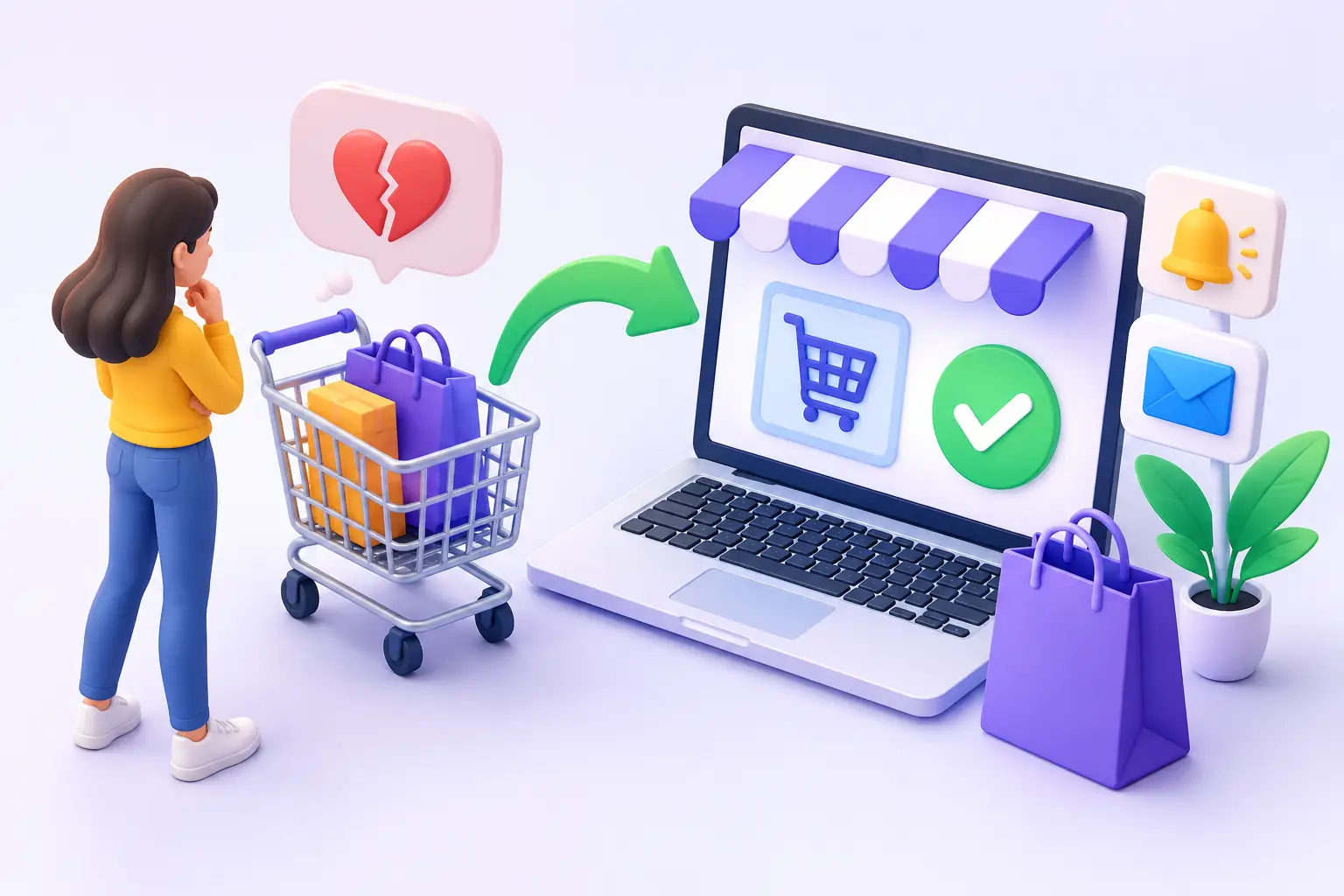
Abandoned-cart email can recover revenue, especially for higher-consideration products. It works best when the message is timely and useful rather than aggressive. A first reminder can simply restore the customer’s cart and answer a likely question about delivery or returns. A later incentive may make sense if margin allows it.
Do not train customers to abandon carts for discounts. If every reminder includes a coupon, regular buyers may learn to wait. For low-margin products, free shipping or clearer delivery information may be a better recovery tool than a percentage-off offer.
Consent and privacy rules matter here. Configure marketing and transactional messages according to the regions you serve, and make sure your customer data handling matches your policy. Recovery automation should support a trustworthy store, not create a compliance problem.
Treat Checkout as an Operating System
The strongest checkout improvements usually come from a series of controlled changes, not a dramatic redesign. Establish a baseline for checkout completion, revenue per visitor, payment failures, and support requests. Change one meaningful element, measure the result, and keep what improves the business.
For many WooCommerce stores, the highest-value work is unglamorous: correcting shipping logic, removing three form fields, repairing a payment integration, or cutting two seconds from mobile load time. Those details determine whether your store functions as a 24/7 sales operation or sends motivated customers back to search results.