A compromised website rarely starts as a dramatic event. It may begin with a customer reporting a strange redirect, a checkout page loading slowly, or a warning from Google that traffic has dropped. For a small business, WordPress security is not just an IT task. It protects enquiries, orders, customer data, advertising spend, and the credibility you have worked to build.
The practical goal is not to install every security plugin available. It is to reduce the paths attackers use, make recovery predictable, and keep your site operating when something goes wrong. That requires a layered setup: secure hosting, disciplined updates, controlled access, tested backups, and protection around the forms and checkout flows that keep the business moving.
Why WordPress security is a commercial issue
WordPress is widely used because it is flexible, cost-effective, and supported by a large ecosystem. That same ecosystem creates responsibility. A site can be affected by an outdated plugin, a weak administrator password, an abandoned theme, an exposed hosting account, or a third-party integration with broader access than it needs.
For a brochure website, the immediate cost may be lost leads and a damaged search presence. For WooCommerce, the impact can reach further: failed transactions, customer support requests, abandoned carts, inaccurate inventory, and concerns about payment safety. Even if card data is processed by a payment provider, your store still needs to protect customer accounts, order information, and the checkout experience.
Security also affects continuity. Cleaning a hacked site under pressure takes longer and costs more than maintaining a controlled environment. If nobody knows where the latest clean backup is, which plugins were changed, or who has administrator access, a small incident becomes an operational interruption.
Build WordPress security in layers
A reliable setup does not depend on one tool catching every threat. It uses several controls that cover different failure points. Some are managed at the hosting level, some in WordPress itself, and some are simply good operating habits.
Start with managed, isolated hosting
Hosting is the foundation. A low-cost plan that places many unrelated sites in the same environment may be acceptable for a personal project, but it can create unnecessary exposure for a business site. Look for current server software, account isolation, malware monitoring, firewall controls, automated backups, and a clear process for responding to incidents. Good managed WordPress hosting should cover all of these, so ask which ones a plan actually includes.
SSL should be standard, with all traffic redirected to HTTPS. This protects data in transit and avoids browser warnings that discourage visitors from submitting a form or entering checkout details. A web application firewall and rate limiting can also block common automated attacks before they reach WordPress.
Performance and security often support each other here. A properly configured CDN, caching layer, and firewall can absorb malicious traffic that would otherwise slow down the site. The trade-off is that aggressive caching or firewall rules can occasionally interfere with a payment callback, customer login, or API connection. These areas should be configured and tested around real business workflows, not switched on blindly.
Keep the core, plugins, and themes under control
Most WordPress security risk sits in plugins and themes, not in WordPress core. Patchstack’s State of WordPress Security in 2026 report found that 91% of the new vulnerabilities recorded in 2025 were in plugins and 9% in themes, while WordPress core had only six, all low priority. Updates close those gaps once the developer releases a fix, but updating everything automatically without testing can break a store, form, page builder, or custom integration.
The sensible approach depends on the site. A simple marketing website can often use carefully managed automatic minor updates. A WooCommerce store with custom shipping rules, payment gateways, ERP connections, or tailored checkout logic needs a staging environment and a defined update routine. Updates should be tested away from the live site, then released during a low-risk window with a rollback option available. Urgent security fixes are the exception. The same report found that about half of high-impact vulnerabilities were exploited within 24 hours of being made public, so a patch for an actively exploited flaw should not wait for the next scheduled window.
Remove plugins and themes that are not in use. Deactivating a plugin is not the same as removing it. Every installed component is another codebase to monitor. Choose established tools with active maintenance, clear compatibility information, and a genuine purpose in the site architecture. Avoid nulled themes and plugins entirely. Their apparent savings are rarely worth the hidden code, missing updates, and recovery cost.
Control who can change what
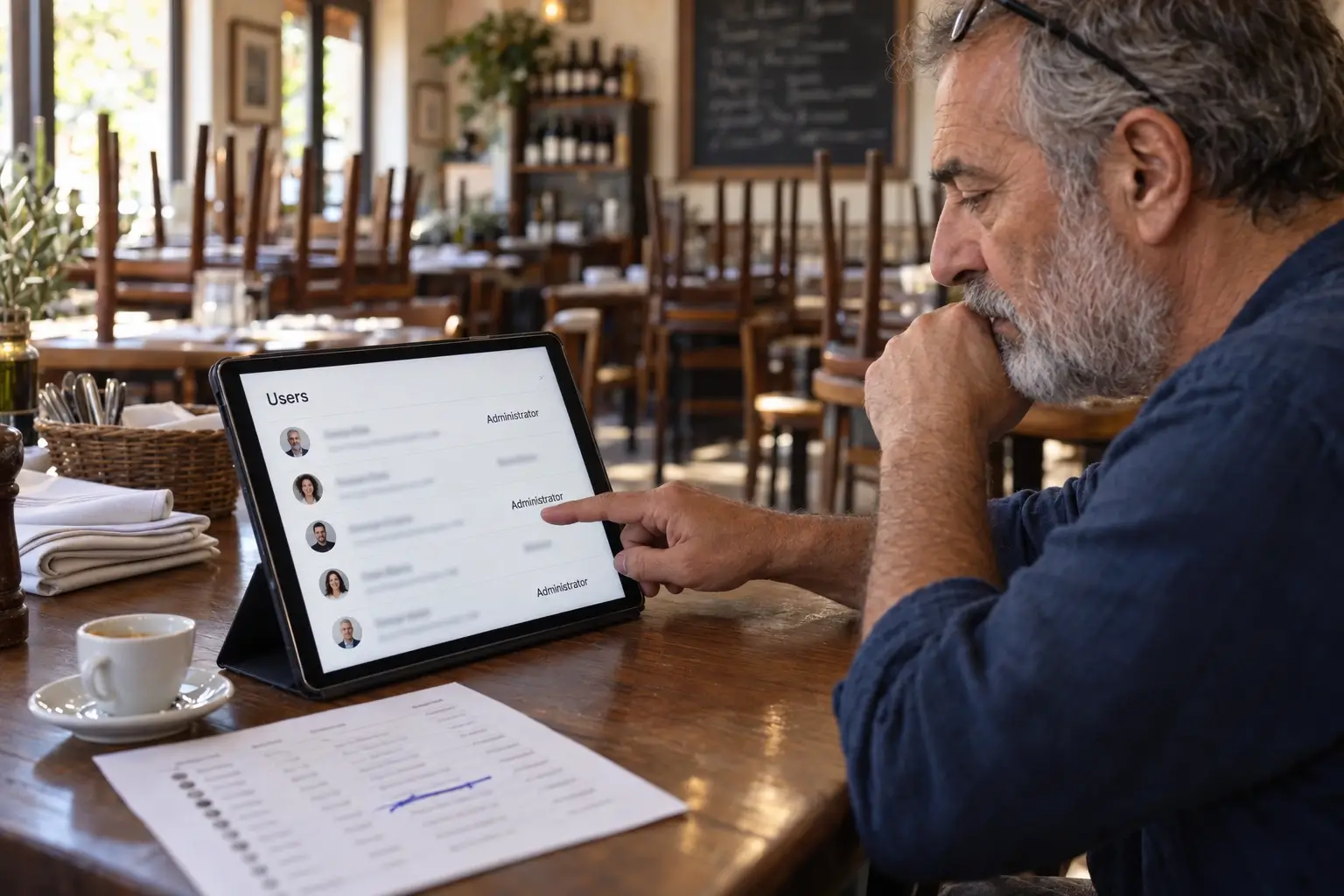
Administrator accounts should be limited to people who genuinely need full control. A content editor does not need permission to install plugins, change payment settings, or modify user roles. Apply the principle of least privilege: provide the minimum access required for the task.
Use unique passwords stored in a reputable password manager and require multi-factor authentication for administrator accounts. Do not share one login between staff members or external vendors. Individual accounts create accountability and make offboarding simple when a contractor, employee, or agency engagement ends.
It is also worth reviewing access beyond WordPress. Hosting dashboards, domain registrars, DNS providers, analytics accounts, email platforms, and payment gateways can all affect the website. A secure WordPress login is not enough if an old user still controls the domain or can alter DNS records.
Protect the areas attackers target most
Login pages, contact forms, search fields, account pages, and checkout flows are common targets because they accept input from visitors. They need protection without adding unnecessary friction for real customers.
For login protection, rate limiting, multi-factor authentication, and alerts for suspicious login activity are usually more useful than simply hiding the login URL. Changing the URL may reduce noise, but it does not replace strong credentials or access controls. Disable accounts that are no longer needed and review administrator users regularly.
Forms need spam protection and server-side validation. Spam is more than an inbox nuisance: automated submissions can consume resources, pollute lead data, and conceal malicious probing. For stores, make sure payments run through a reputable, properly integrated payment gateway, payment webhooks are validated, and checkout behavior is tested after updates to caching, security, or optimization settings.
If your business serves EU customers, security work also supports your GDPR obligations. The European Data Protection Board’s guide for small businesses lists access control, backups and encryption among the measures to consider. Collect only the customer data you need, restrict who can access it, and know where it is stored. A backup containing customer records should receive the same protection as the live database.
Backups are only useful when recovery works
A backup policy is your recovery plan, not a box to tick. Keep automated backups on a schedule that matches how often the site changes. A content-focused business website may need daily backups. A busy WooCommerce store may require more frequent database backups because orders, accounts, and stock levels change throughout the day.
Store copies away from the main hosting environment. If the hosting account is compromised or suffers a major failure, a backup held only in that account may not be enough. Retain multiple restore points so you can recover from an issue that went unnoticed for several days. WordPress’s own backup documentation recommends keeping at least three to five recent backups, stored in different locations.
Most importantly, test restoration. A backup that cannot be restored quickly is not business continuity. Restore it to a staging environment periodically, check pages, forms, media, customer accounts, and checkout behavior, and document who is responsible for approving a return to service.

Monitor the site before customers find the problem
Security monitoring should answer practical questions: Is the website available? Has a critical file changed? Did a new administrator account appear? Are there repeated failed login attempts? Has a plugin update caused errors or a sharp increase in page load time?
Set alerts that lead to action, not endless notifications. A small business does not need to investigate every blocked bot request, but it does need a clear response path for downtime, malware warnings, failed backups, or suspicious changes. Keep a short incident checklist covering who investigates, how the site is isolated if necessary, where the clean backup is located, and how customers are informed if service is affected.
For e-commerce operators, monitor the complete buying path. A site can be technically online while revenue is still blocked because a payment gateway callback fails, transactional emails stop sending, or a cache serves an outdated cart. Security, uptime, and conversion operations overlap more than most businesses expect.
Make security part of normal maintenance
WordPress security works best as part of a website maintenance plan, not a one-time launch task. Review updates, user access, backups, uptime, and error logs on a defined schedule. Reassess the setup whenever you add a new payment method, marketplace feed, CRM integration, staff member, or custom feature.
The right level of protection depends on what the site does. A five-page WordPress website for a small business and a WooCommerce store processing hundreds of orders need different backup frequency, monitoring depth, and change-control process. The common requirement is ownership: someone should be responsible for keeping the platform current and able to recover it.
A secure website does not have to be complicated, but it does have to be maintained. Treat it like the sales infrastructure it is, and problems are more likely to be contained before they cost you customers.