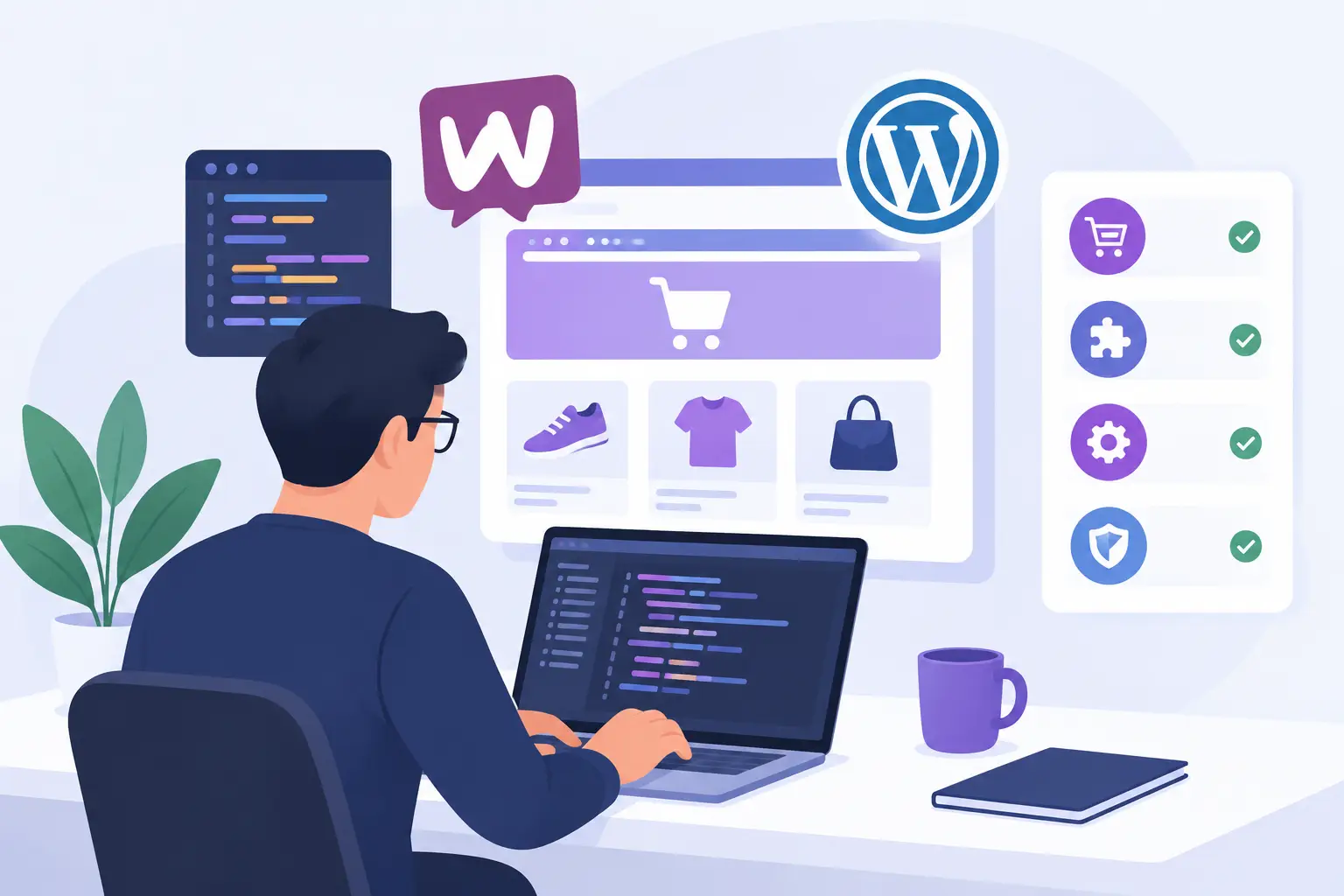
A WooCommerce developer is not hired to install a theme and add a product grid. The real job is to build a sales operation that works when your team is offline: customers can find products, trust the store, pay without friction, receive accurate updates, and get help when something goes wrong. Behind the storefront, your team needs orders, stock, customer data, and fulfillment steps to stay organized.
That difference matters when you are comparing quotes. Two projects can both be called a WooCommerce store, yet one may be a basic template setup while the other includes payment logic, shipping rules, performance work, data migration, and integrations that remove hours of manual work each week. If you are still choosing a platform, start with our WooCommerce vs Shopify comparison — this article assumes that decision is made.
A WooCommerce Store Is an Operating System for Sales
WooCommerce is flexible because it runs on WordPress and can be extended for a wide range of products, customer journeys, and business processes. That flexibility is useful, but it also creates risk. Adding plugins without a plan can result in slow pages, duplicated functionality, broken updates, and a checkout process that loses customers.
A capable implementation begins with business questions, not design preferences. Are you selling physical products, subscriptions, bookings, digital files, wholesale inventory, or a mix? Do prices vary by customer group? Are you shipping locally, nationally, or internationally? Does inventory live in an ERP, a warehouse system, or a spreadsheet? The answers determine the architecture.
For a small retailer, the right first version may be a focused catalog, standard card payments, clear delivery rules, customer accounts, and a simple order workflow. For a growing operator, it may require automated invoices, carrier integrations, CRM synchronization, stock updates, custom account permissions, or a connection to a third-party API. Building too much too early wastes budget. Building too little can force an expensive rebuild once orders increase. A good WooCommerce developer sizes the first version to the business, not to a wish list.
What a WooCommerce Developer Should Deliver
A WooCommerce developer’s deliverables should be visible, scoped, and connected to outcomes. You should be able to see what will be built, how it will be tested, and what happens after launch.
A checkout built for completion
Checkout is where marketing spend either becomes revenue or disappears. A WooCommerce developer should configure payment methods appropriate for your customers, set up tax and shipping logic, make required fields sensible, and test the full purchase path on mobile and desktop.
This includes the less visible scenarios: failed payments, canceled orders, refund handling, confirmation emails, customer account access, and stock behavior after a purchase. If you sell across markets, currency, VAT, language, and delivery requirements may need additional planning. The right approach depends on where you sell and how your finance process works.
Product data that stays manageable
Adding 20 products manually is one task. Migrating 2,000 products with variations, images, categories, attributes, and stock data is another. A professional build should define how product data enters the store and who maintains it afterward.
For simple catalogs, a clean import process may be enough. For stores connected to suppliers or internal systems, API-based synchronization may be the better investment. Product imports need validation too. Incorrect variation prices, missing images, duplicate SKUs, and broken category assignments create customer-facing problems that are far more costly to fix after launch.
Speed, security, and uptime work
A store that takes several seconds to load will make paid traffic less profitable and frustrate returning customers. Performance is not one plugin or one test score. It is the result of good hosting, efficient theme code, image optimization, database maintenance, caching, and controlled use of extensions.
A WooCommerce developer should assess the store with Lighthouse audits, configure page and object caching where appropriate, and use a CDN such as Cloudflare when it fits the traffic profile. Redis or Varnish caching can help on higher-traffic stores, but checkout, cart, and account pages must be handled correctly because they contain customer-specific data.
Security also needs an operational plan. That means SSL, secure administrator access, backups, malware monitoring, software updates, and a tested recovery process. No system is immune to problems. The practical question is whether a problem can be detected, contained, and recovered from quickly.
Integrations that reduce manual work
Many businesses lose time not because they lack software, but because their software does not communicate. Orders are copied into accounting platforms. Shipping labels are created one by one. Leads sit in inboxes. Customer data is scattered across tools.
A well-scoped WooCommerce project can connect the store to payment gateways, carriers, inventory tools, accounting systems, email platforms, CRMs, and custom internal applications through REST or GraphQL APIs. Not every integration deserves automation on day one. If a process happens twice a month, a documented manual workflow may be more sensible. If it happens fifty times a day, integration can quickly pay for itself.
Clear ownership after launch
Launching is not the end of the technical work. WooCommerce, WordPress, payment tools, and plugins all receive updates. Your store also changes as products, offers, traffic sources, and customer expectations change.
You should know who manages hosting, updates, backups, uptime monitoring, security checks, and bug fixes. You should also know what is included in ongoing support and what counts as a new feature. Transparent boundaries prevent the common situation where an owner assumes maintenance is covered while the developer assumes the project ended at launch.
The Questions That Reveal Project Quality
Before choosing a WooCommerce developer, ask how they will map your order flow from product discovery to fulfillment and support. Ask how they will handle mobile checkout, payment failures, and stock updates. Ask what will be tested before launch and what support is available afterward. Our list of questions to ask before hiring a web developer applies here too.
Pricing should be tied to scope, not vague promises. A fixed-price package can work well when the deliverables are clear: number of products or migration rules, payment gateways, shipping zones, customer account features, integrations, content responsibilities, and launch timeline. Custom functionality should be separately scoped because the cost depends on the workflow, data source, and edge cases involved.
Also ask about ownership. You should retain access to your WordPress administrator account, hosting environment, domain, analytics, payment accounts, and source materials. A partner should make the platform easier to operate, not make your business dependent on inaccessible accounts.
When a Template Is Enough and When Custom Work Pays Off
A prebuilt theme can be a reasonable starting point for a new store with a modest catalog and standard requirements. It can reduce initial cost and shorten launch time, provided the theme is actively maintained, performs well, and does not force unnecessary plugins into the site.
Custom work becomes more valuable when your store has a distinct buying process or operational constraint. Examples include configurable products, B2B pricing, account approval workflows, subscription rules, complex shipping, marketplace feeds, membership access, or integrations with internal systems. In these cases, forcing the business to fit a generic theme often creates ongoing workarounds. An online store for a tyre shop is a clear example: customers search by car or by tyre size, book a fitting, and buy in sets of four.
The best choice is rarely "fully custom" versus "fully off-the-shelf." It is usually a practical combination: proven WooCommerce foundations, carefully selected extensions, and custom code only where it improves sales, reduces administration, or protects a critical process.
Build for the Next Stage, Not an Imaginary Enterprise
Small businesses do not need enterprise complexity to operate professionally. They need a store that is credible, fast, secure, easy to manage, and ready for the next meaningful increase in orders. That requires disciplined decisions about what belongs in the launch scope and what should wait until there is evidence it will pay back.
At The King Web, that approach means translating technical choices into a defined build, a delivery timeline, and a store your team can actually run. The goal is not to add features for their own sake. It is to create fewer abandoned carts, fewer manual tasks, clearer reporting, and a sales channel that keeps working after the launch week.
A good WooCommerce developer leaves you with more than a polished homepage. You should have a dependable system, clear access, and a practical path for improving the store as real customer behavior gives you better decisions to make.